Everyone gets their share of the busy days
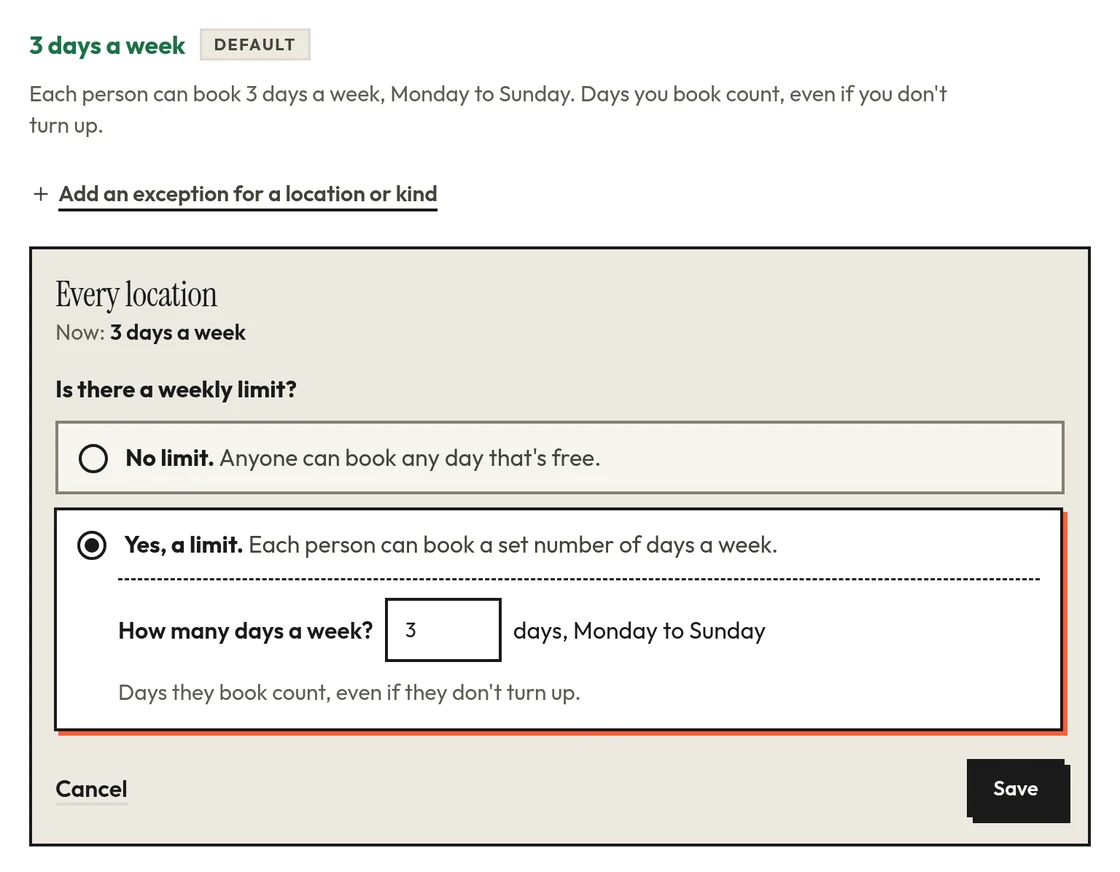
Set the most days each person can book in a week, say three. At the limit people see “You've booked 3 of 3 days this week”, and the fourth day goes to someone else.
Parking, desks and rooms for shared offices
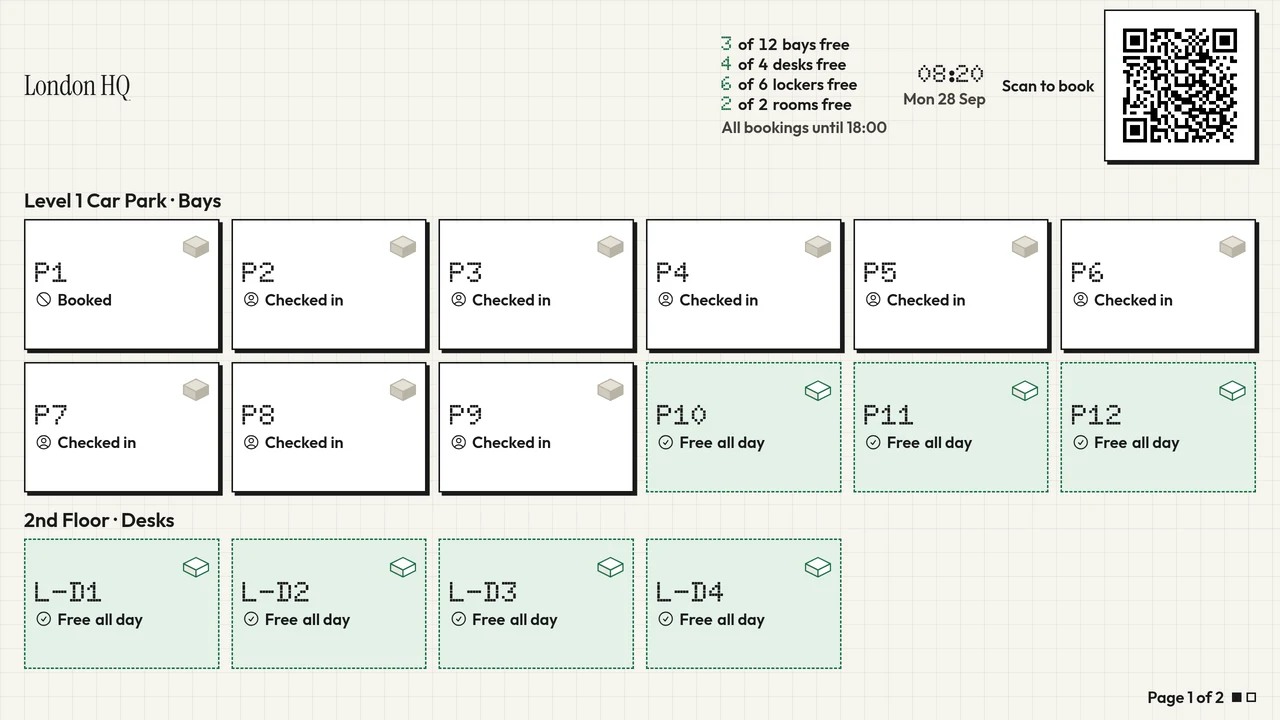
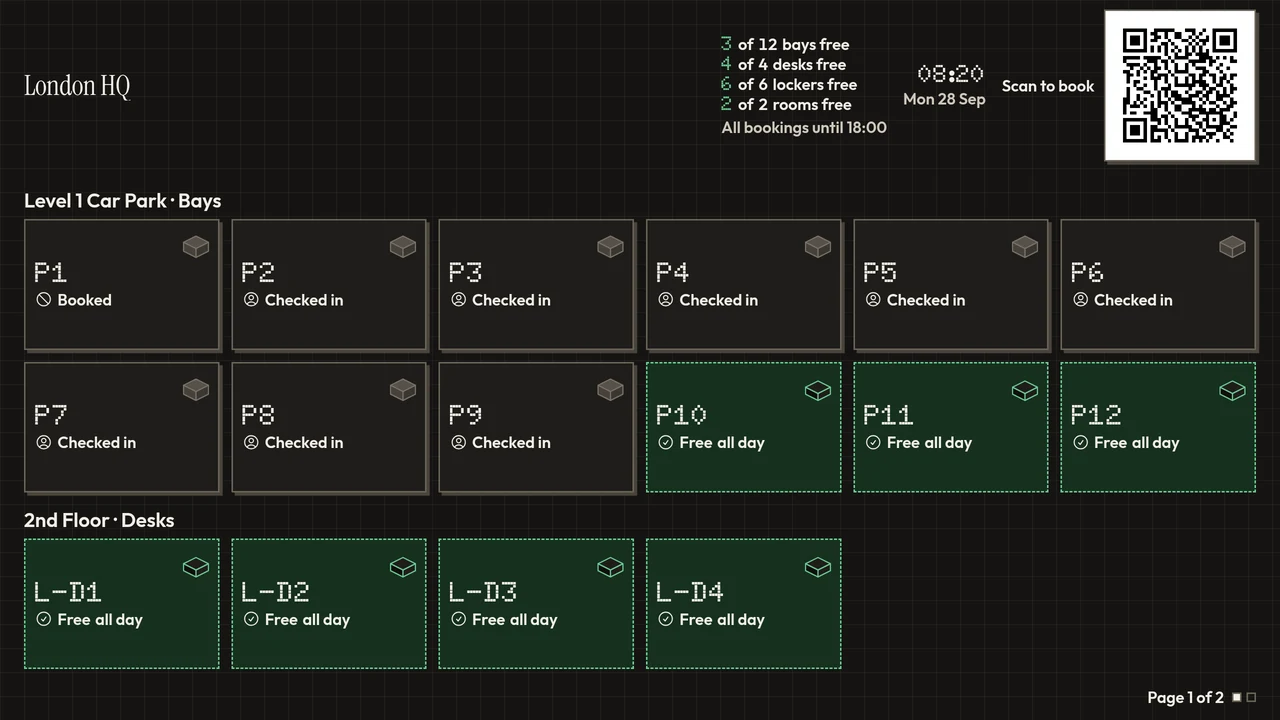
Your people see what's free and book a bay, a desk or a room from their phone. You set the rules once and it keeps things fair on its own: the busy days go round, a waitlist fills any gaps, and bookings nobody claims go to someone who's in.
14 days free, no card needed. Works in the browser on any phone.
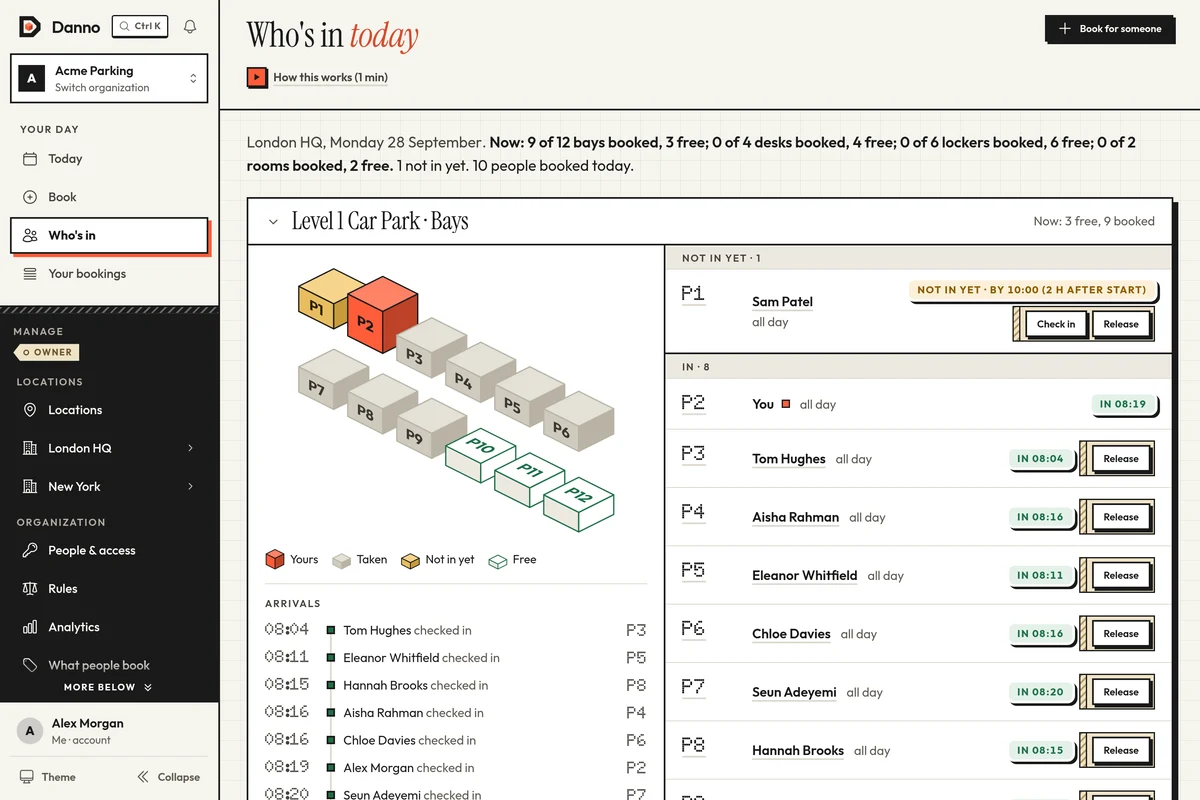
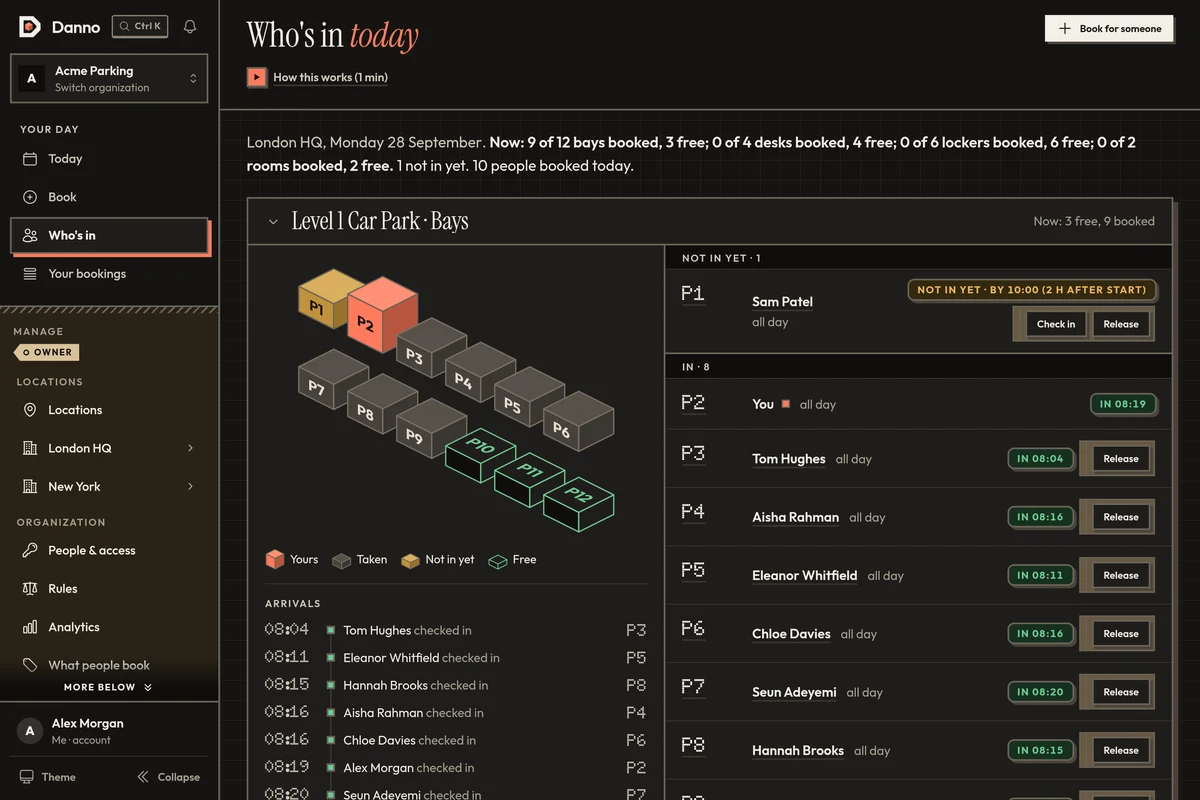
By the day, from a list or a map. The people who need their own bay can keep one.
Pick one on the floor plan or take any free one, and see who else is in that day.
By the hour, with check-in, so a room nobody turns up for is freed.
If people share it, it can be booked: a locker, a charger, a practice room.
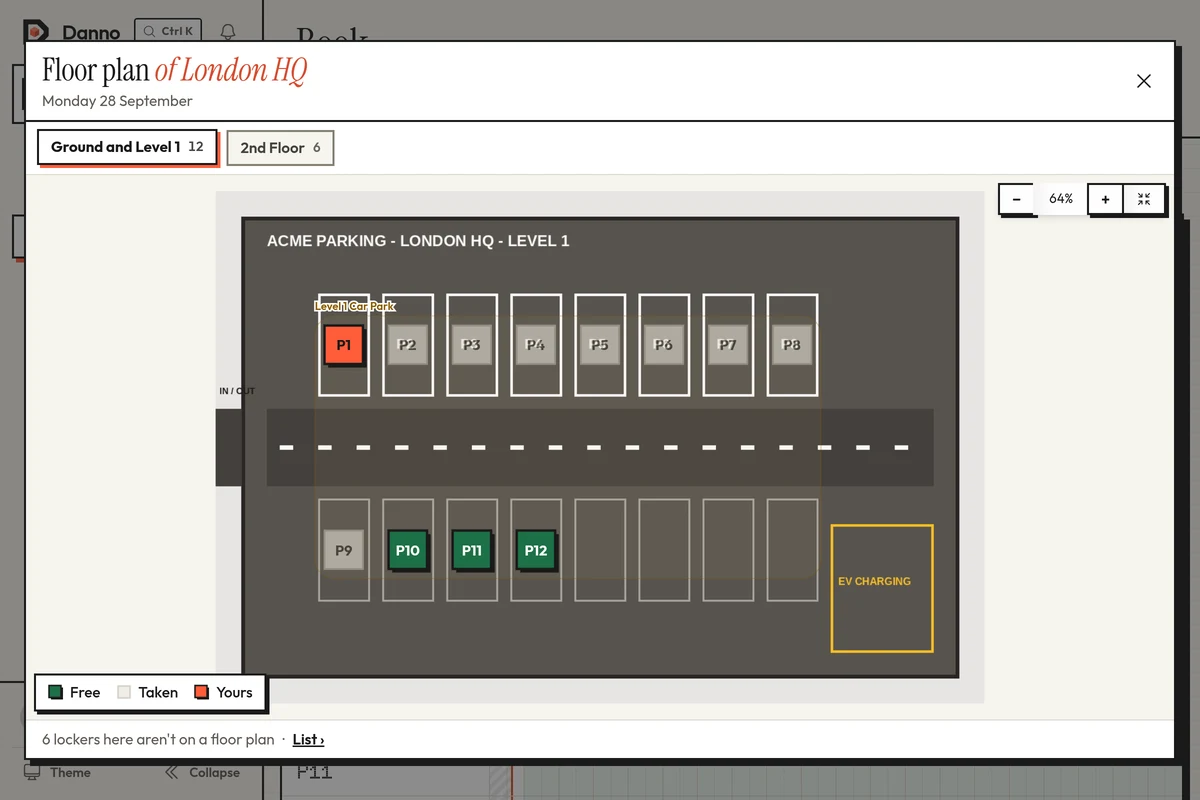
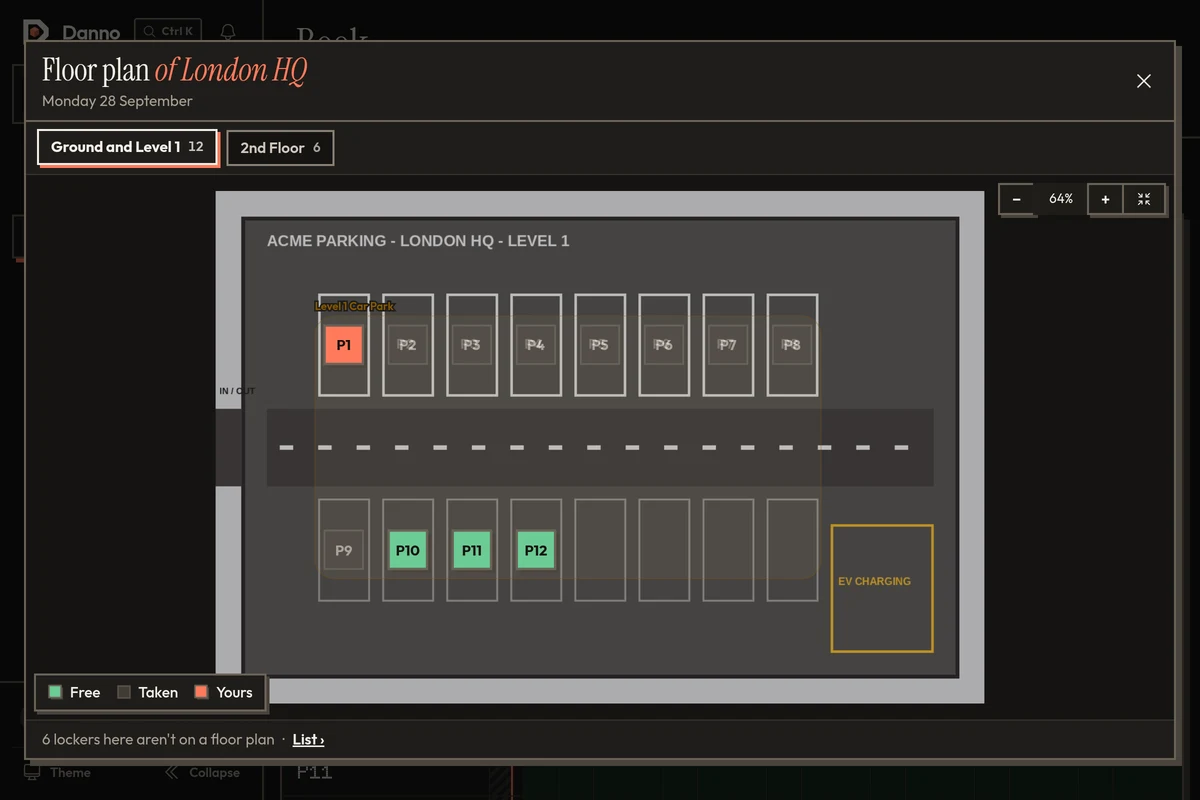
Your locations, their opening hours, and the bays, desks or rooms in each. A floor plan can come later.
Weekly limits, check-in, groups that come first and assigned bays. Every rule is optional, so start simple and add more as you go.
By email, with a join link, or let anyone with your company email address join.
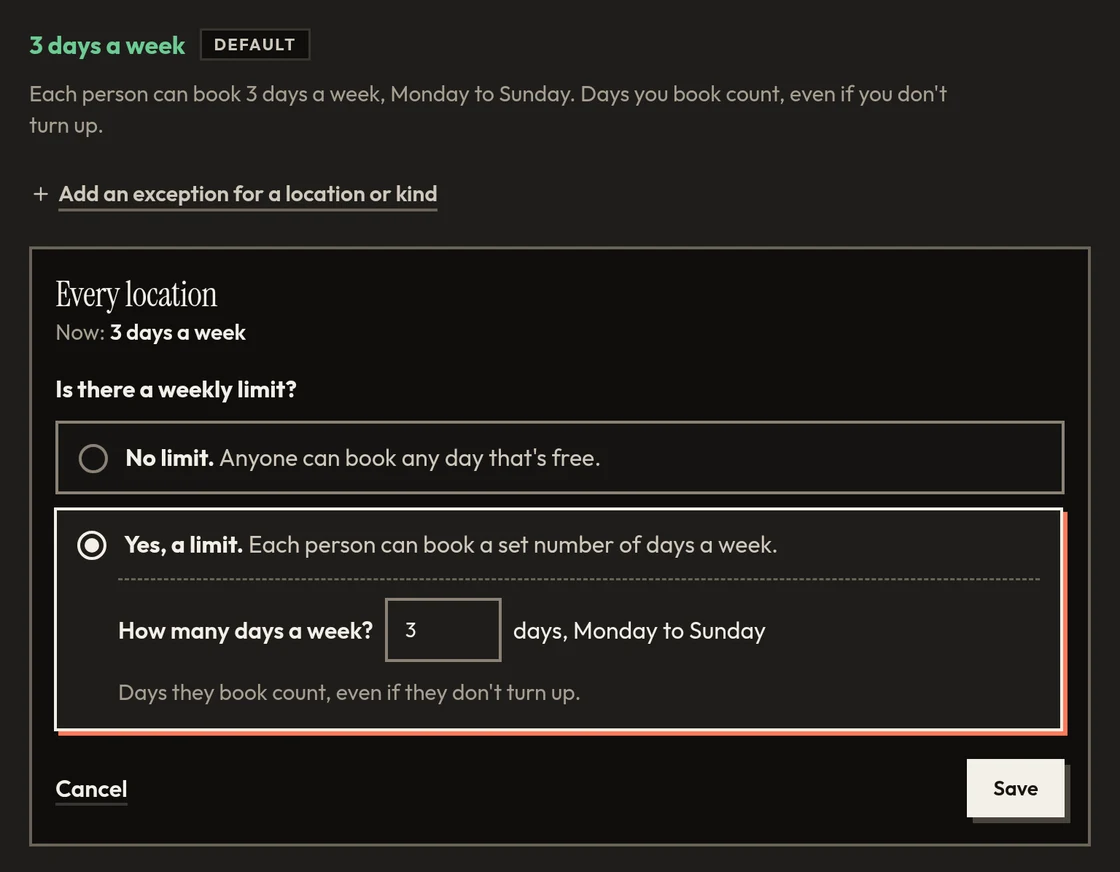
Set the most days each person can book in a week, say three. At the limit people see “You've booked 3 of 3 days this week”, and the fourth day goes to someone else.
People join the waitlist in one tap. When something frees up, the next in line is offered it and has 30 minutes to take it: groups that come first, then whoever has booked the fewest days that week.
Make Blue Badge holders, EV drivers or car-sharers a group that comes first. They can book further ahead, and bays can be held back for them until 24 hours before.
Give someone a bay of their own on their days. Off on Wednesday? They tap Release and it's free for anyone that day, and they can take it back while nobody else has.
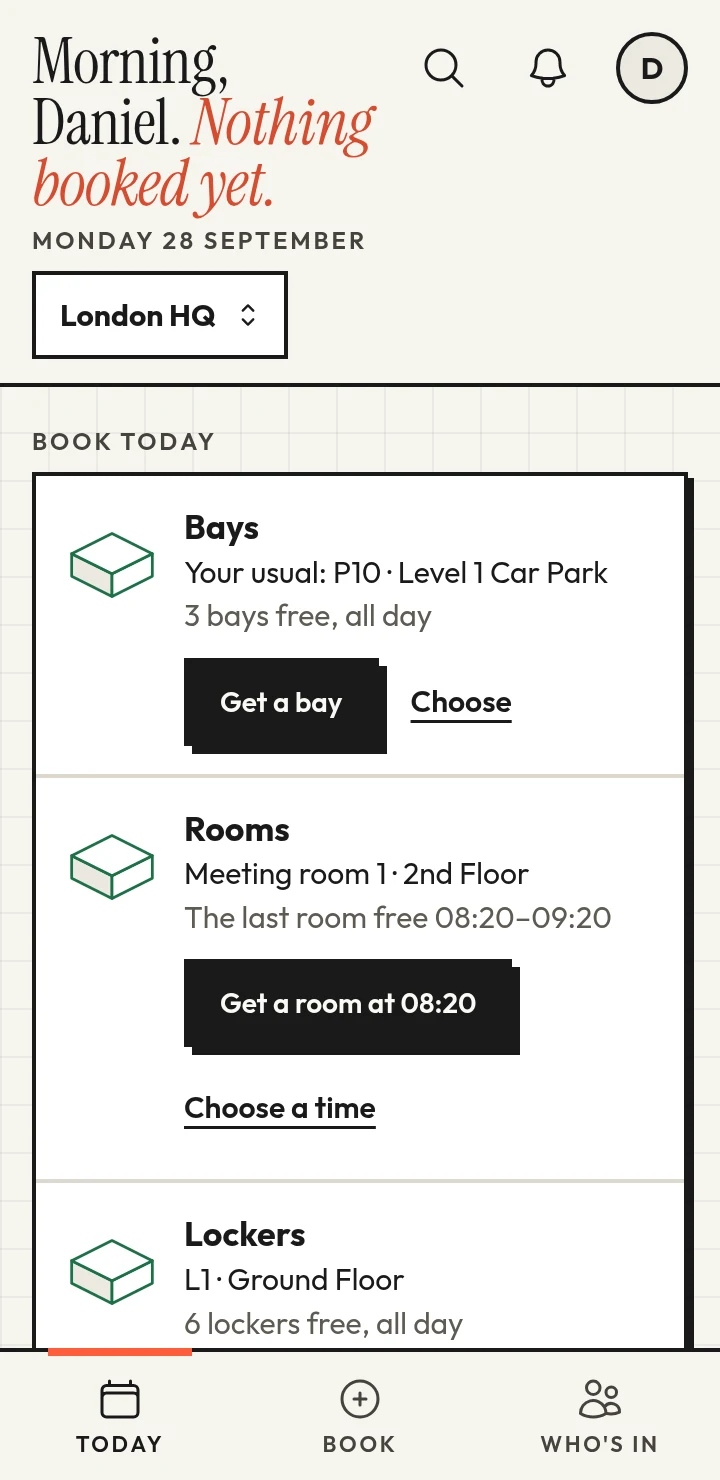
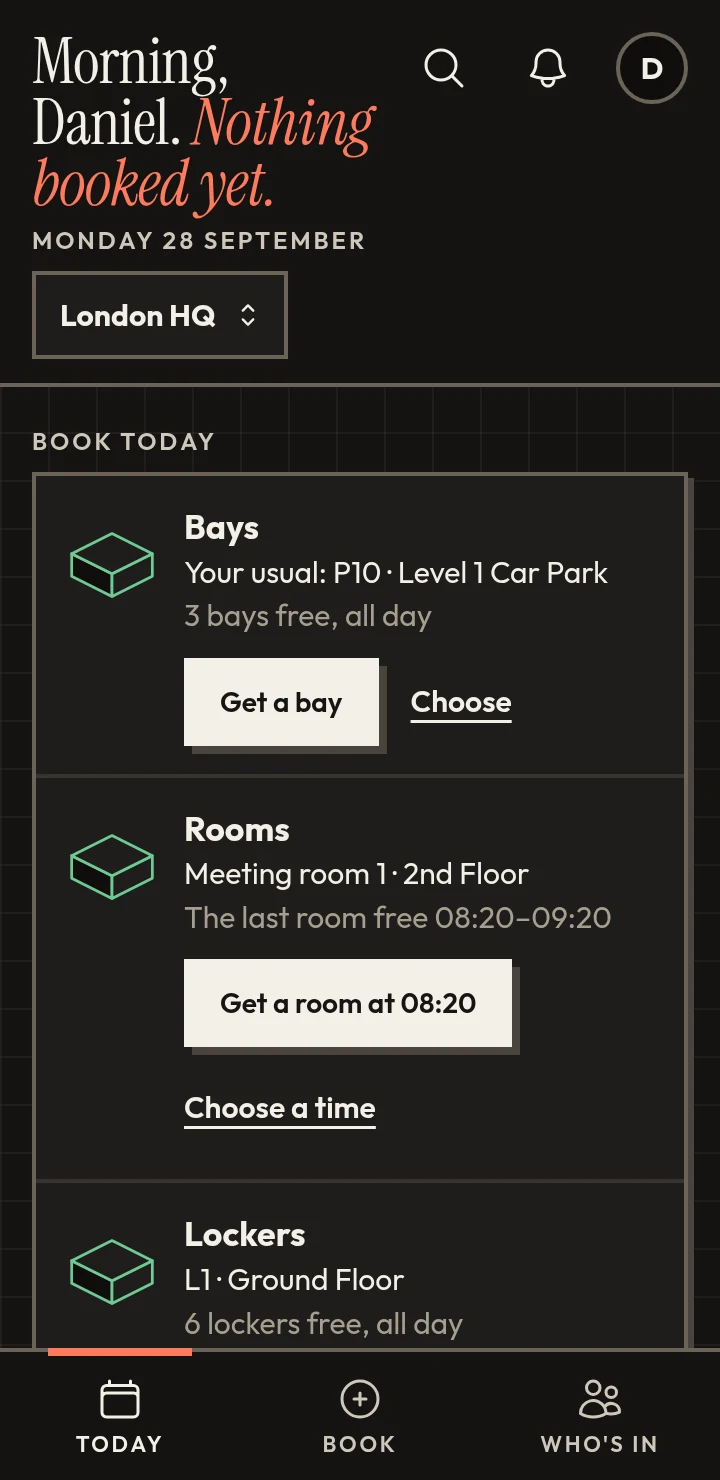
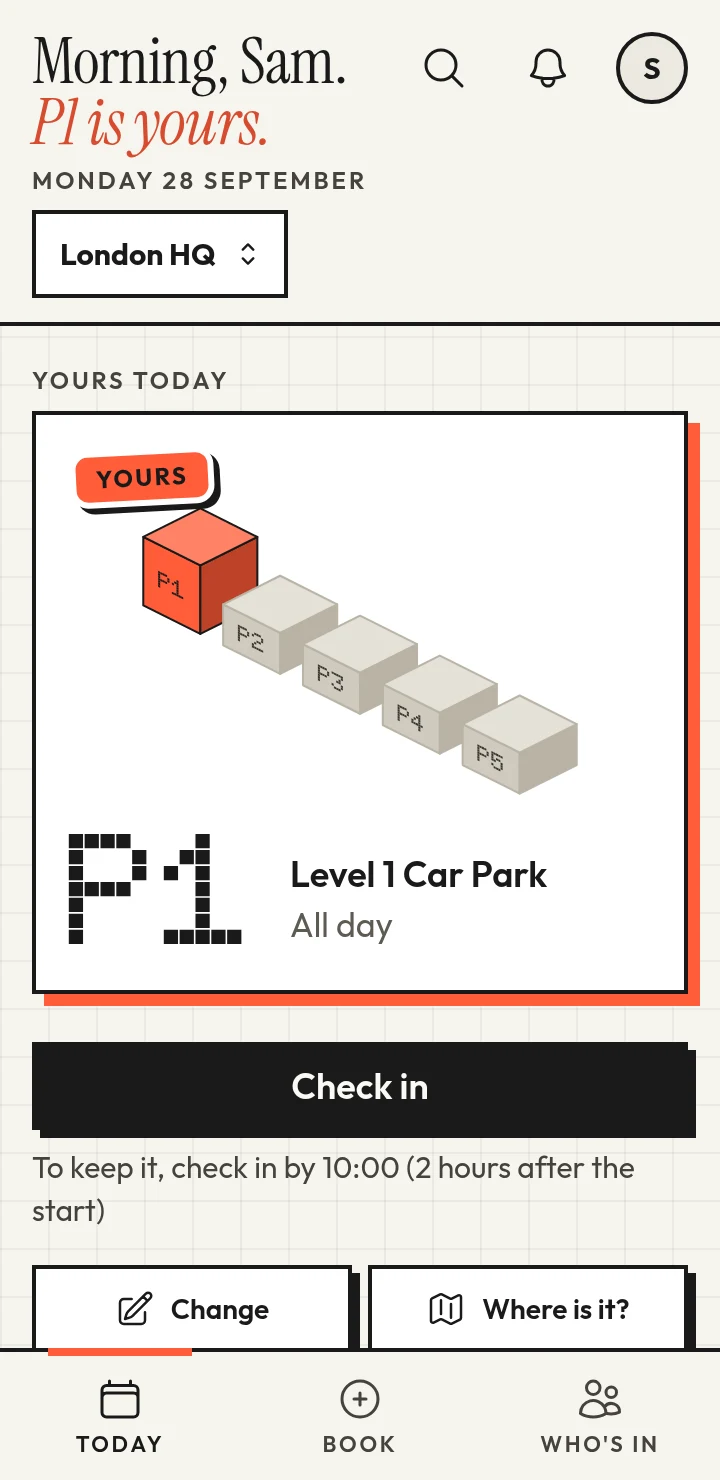
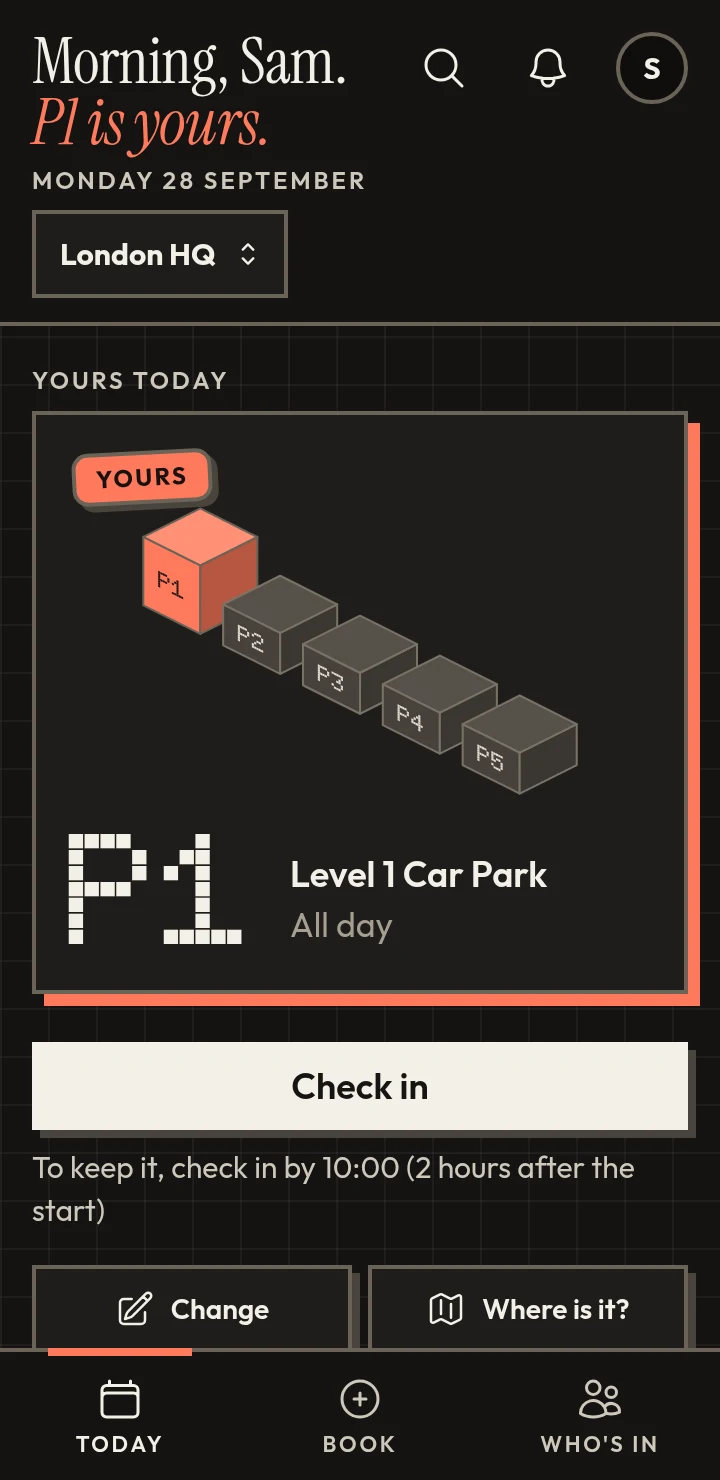
Turn on check-in and a booking is claimed on the day. Here's a Wednesday where bookings start at 08:00 and people have 2 hours to check in.
Check-in opens. Sam gets a reminder: “Check in to keep P4”.
People check in with a tap, or by scanning the code on their bay.
Sam is working from home, so P4 goes back to the pool and comes off Sam's calendar. Priya, first on the waitlist, is offered it.
Priya takes it with one tap. P4 is hers for the day.
We're a young product, so you won't find a wall of logos here. You will find a direct line to the people building it: design partners get a hand with setup, and what they tell us shapes what we build next.
Become a design partnerAnything people take turns with: parking bays, desks, meeting rooms, lockers or equipment. Each kind books the way it's used, by the day or by the hour, and people see your names for things, not ours.
No. It works in the browser on any phone or computer, and people can add it to their home screen so it opens like an app.
You choose the rules: the most days each person can book in a week, groups that come first (they can book further ahead and have bays held back for them), assigned bays, and a waitlist. When something frees up it's offered to the next person in line: groups that come first, then whoever has booked the fewest days that week.
Turn on check-in and people claim their booking with a tap or by scanning the code on the spot. If nobody checks in within the time you choose from its start, it's offered to someone else: the next person on the waitlist, or anyone who needs one. Running late? If you allow it, they can say so once and keep it for longer.
Adding a car park is one form: its name, how many bays and their prefix, so P1 to P40 is a single step. Rules are all optional and off to start with, and a floor plan can come later.
Yes. Each location has its own opening hours and time zone, and you can give someone the keys to just the locations they look after.
With single sign-on through Google or Microsoft, or a link by email. Their bookings can go straight into Google Calendar or Outlook.
Yes: 14 days, with no card needed. When you're ready, pick a plan on the pricing page, paid monthly or yearly.